Assignment 4 chrome extension (DARK MODE)
README FILE
🌙 Midnight – Dark Mode Chrome Extension
A polished Chrome extension that applies beautiful dark mode to any website.
Features
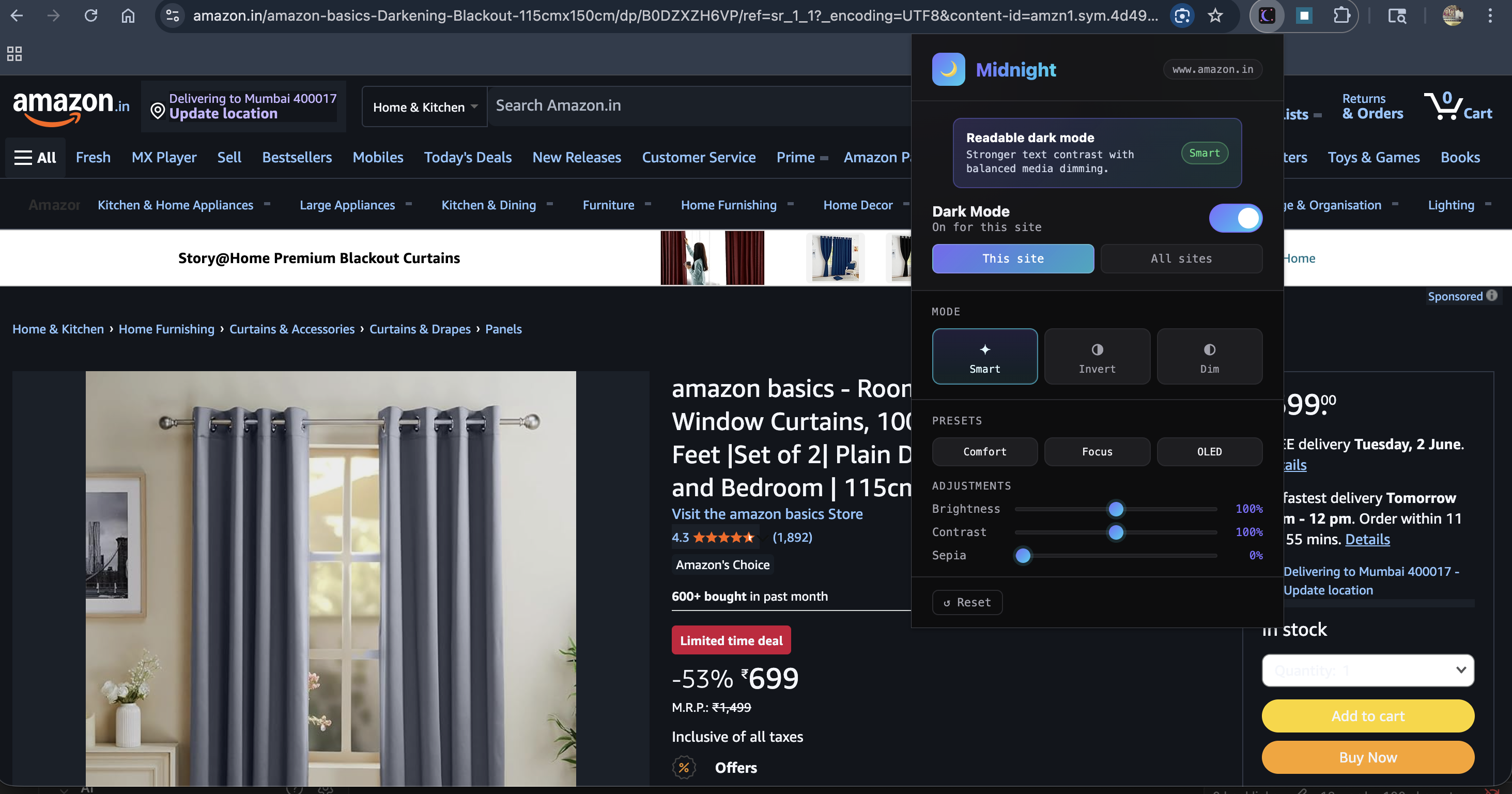
- 3 dark mode engines: Smart CSS override, CSS Invert, and Dim mode
- Per-site settings – different settings for different websites
- Global mode – enable for all sites at once
- Fine-grained controls – Brightness, Contrast, Sepia sliders
- SPA support – works on React, Vue, and other single-page apps
- Remembers your settings per domain
Installation (Developer Mode)
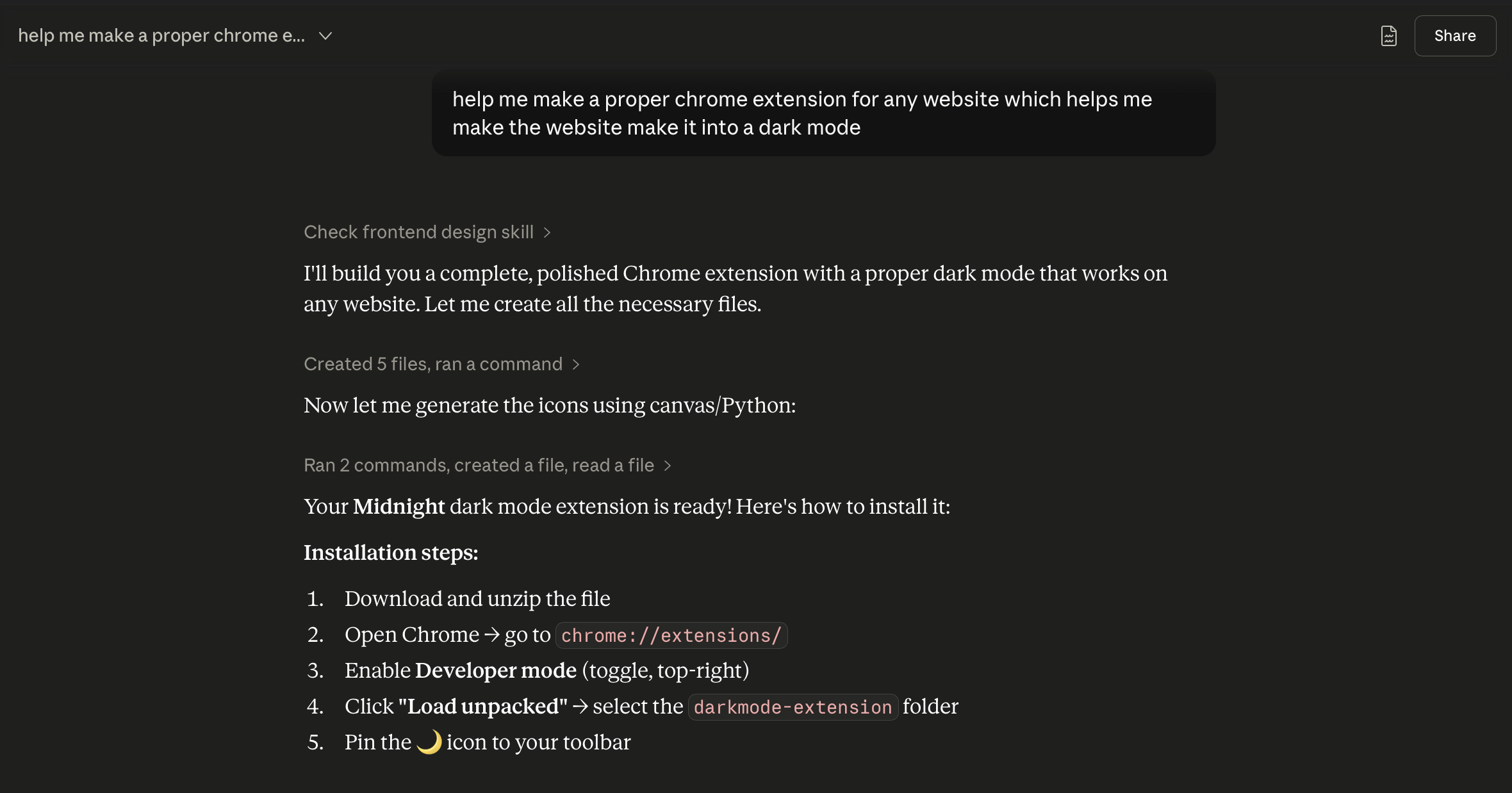
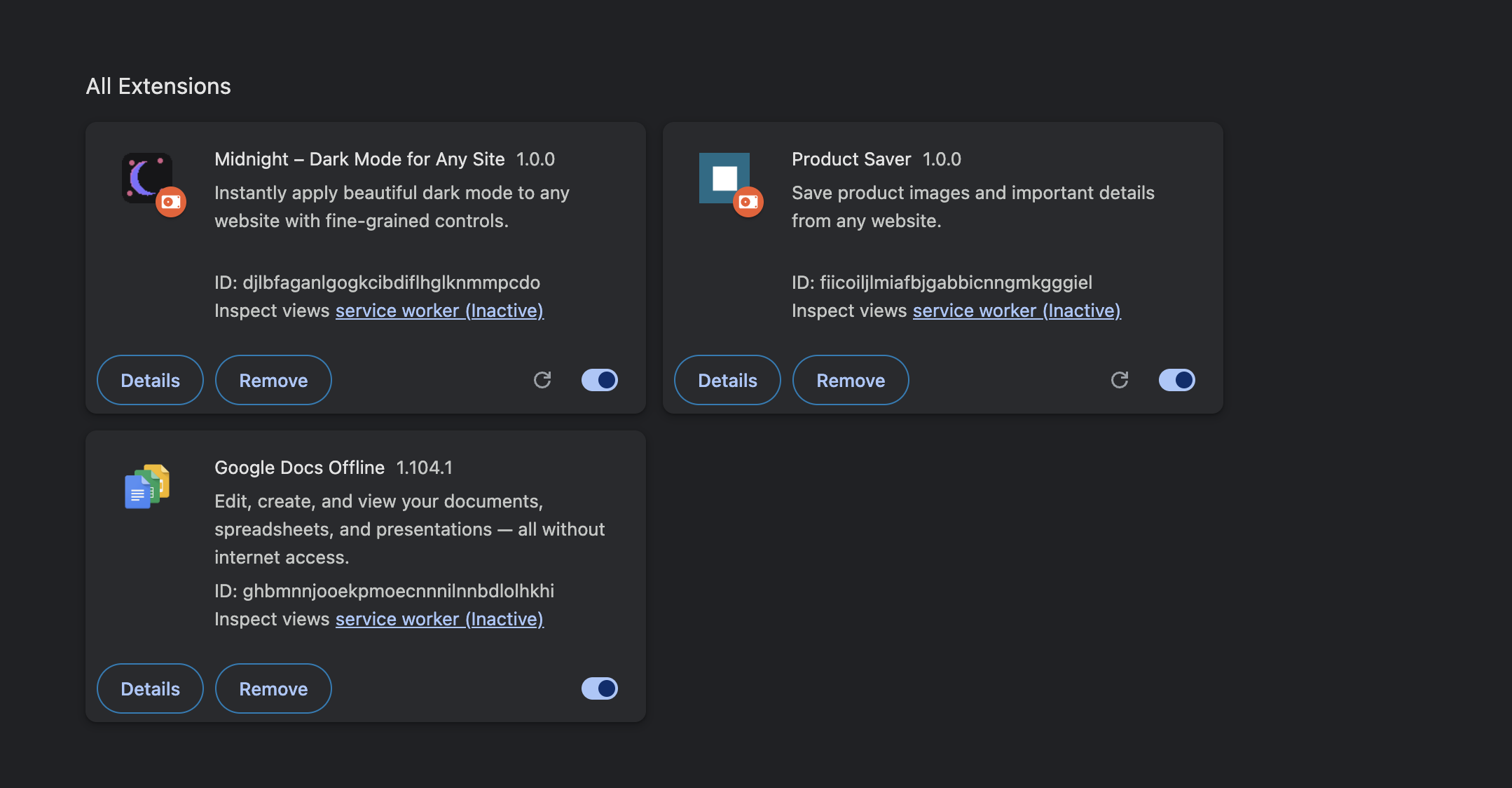
- Open Chrome and go to
chrome://extensions/ - Enable Developer mode (top-right toggle)
- Click "Load unpacked"
- Select the
darkmode-extensionfolder - The 🌙 icon will appear in your toolbar — pin it!
How to Use
- Click the 🌙 Midnight icon in Chrome toolbar
- Toggle Dark Mode on
- Choose a mode:
- Smart – rewrites colors intelligently (best for most sites)
- Invert – inverts all colors (high contrast)
- Dim – simply dims the screen
- Adjust Brightness, Contrast, and Sepia to taste
- Switch between "This site" and "All sites" scope
Files
darkmode-extension/
├── manifest.json      # Extension config (Manifest v3)
├── content.js         # Injected into every page
├── background.js      # Service worker
├── popup.html         # Extension popup UI
├── popup.js           # Popup logic
└── icons/
    ├── icon16.png
    ├── icon48.png
    └── icon128.png