Assignment 5 chrome extension (WISHLIST)
README FILE
Product Saver Extension
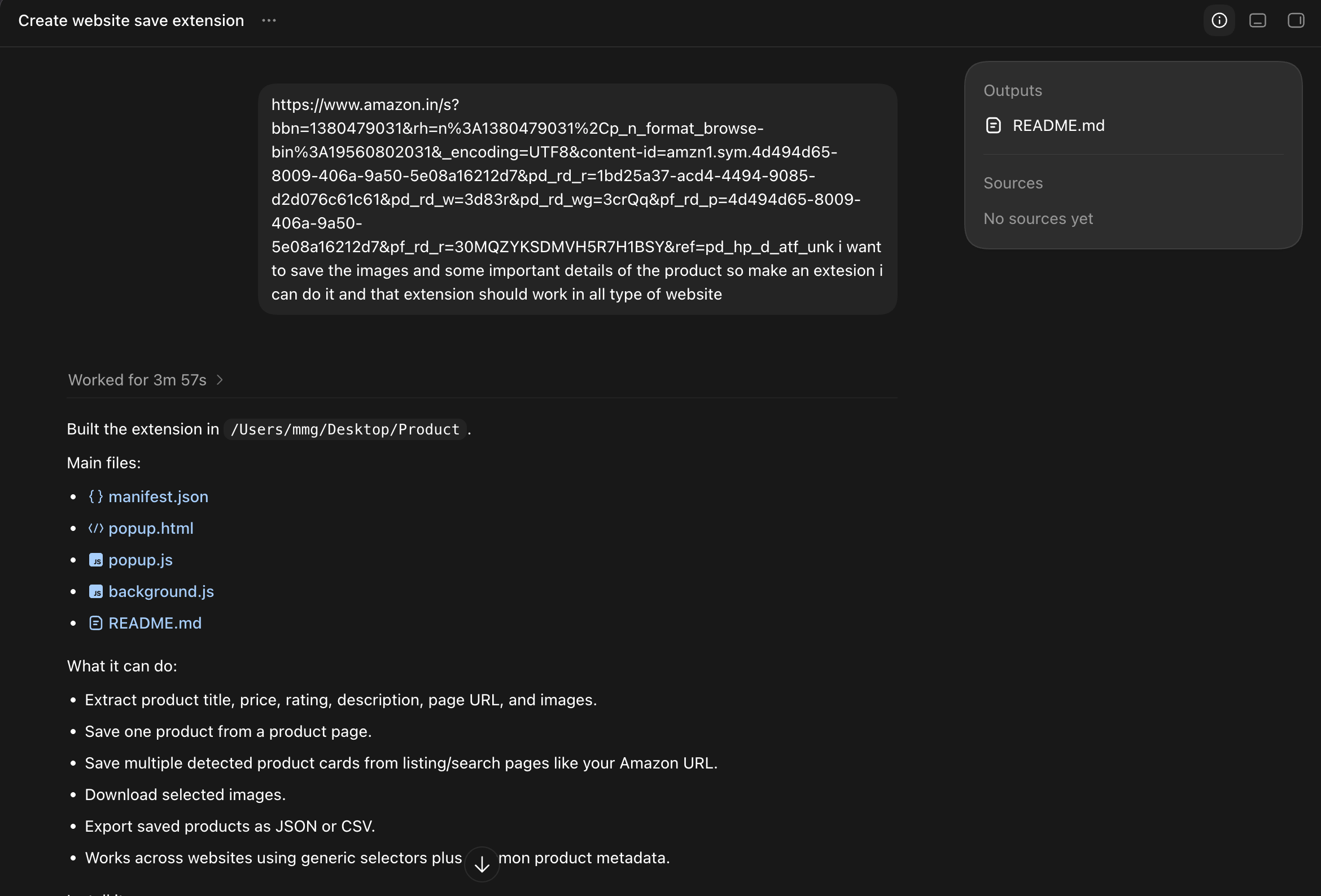
Product Saver is a Chrome/Edge extension for saving product images and important details from many shopping websites, including Amazon product and listing pages.
What it saves
- Product title
- Price
- Rating
- Availability when found
- Description or feature bullets
- Page URL and website
- Selected product image URLs
- Your own notes
You can also download selected images and export saved products as JSON or CSV.
Install locally
- Open Chrome or Edge.
- Go to
chrome://extensions. - Turn on Developer mode.
- Click Load unpacked.
- Select this folder:
/Users/mmg/Desktop/Product.
Use
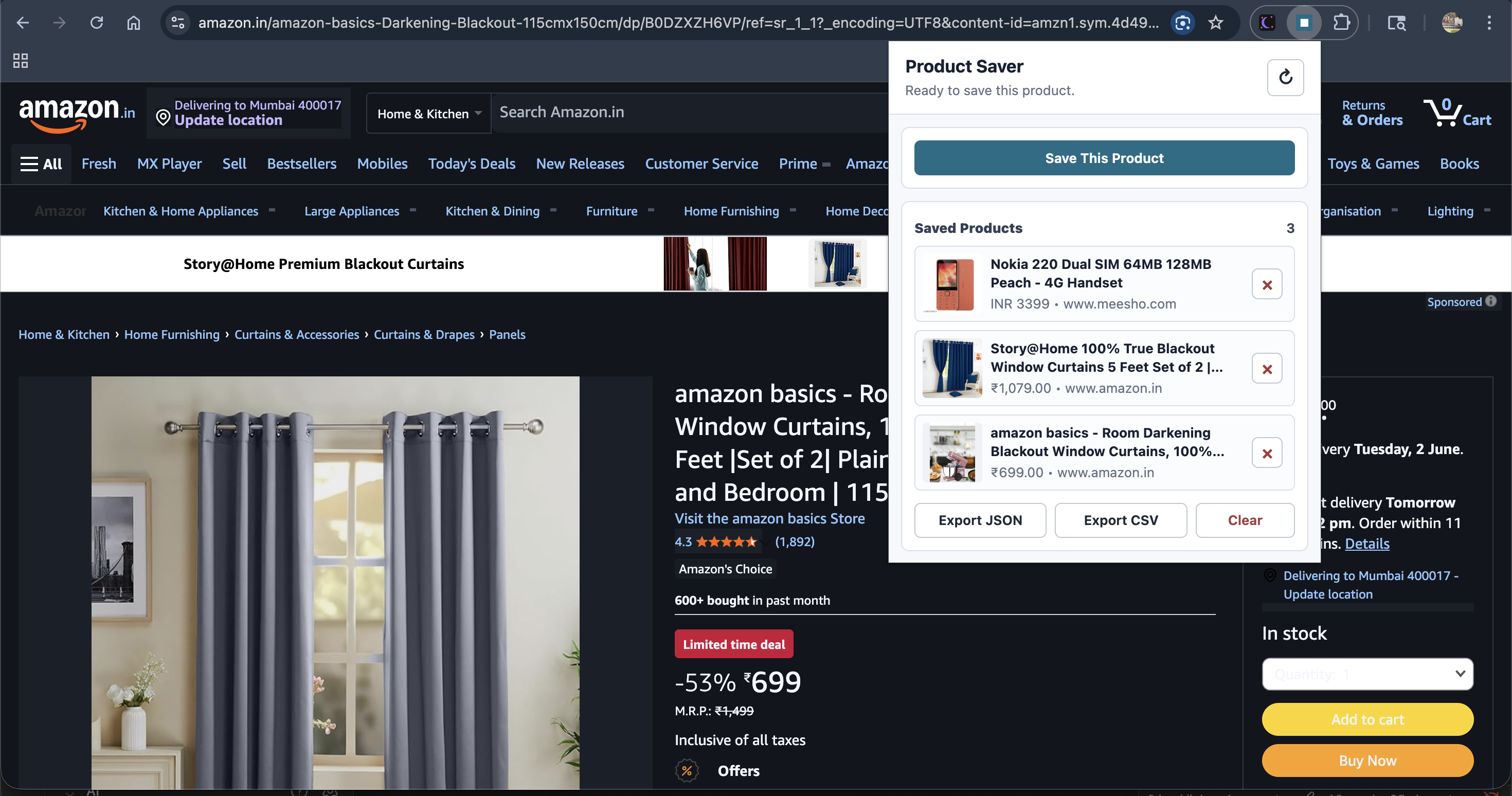
- Open a product page or product listing page.
- Click the Product Saver extension icon.
- Click Save This Product.
- Your saved products appear in the list.
- Click a saved product to open its product page.
- Click the delete button on a saved product to remove it.
Notes
Every website has different markup, so the extension uses a mix of structured data, Open Graph tags, common product selectors, visible text, and large image detection. On some sites, you may need to edit the fields before saving.